
Connected accounts
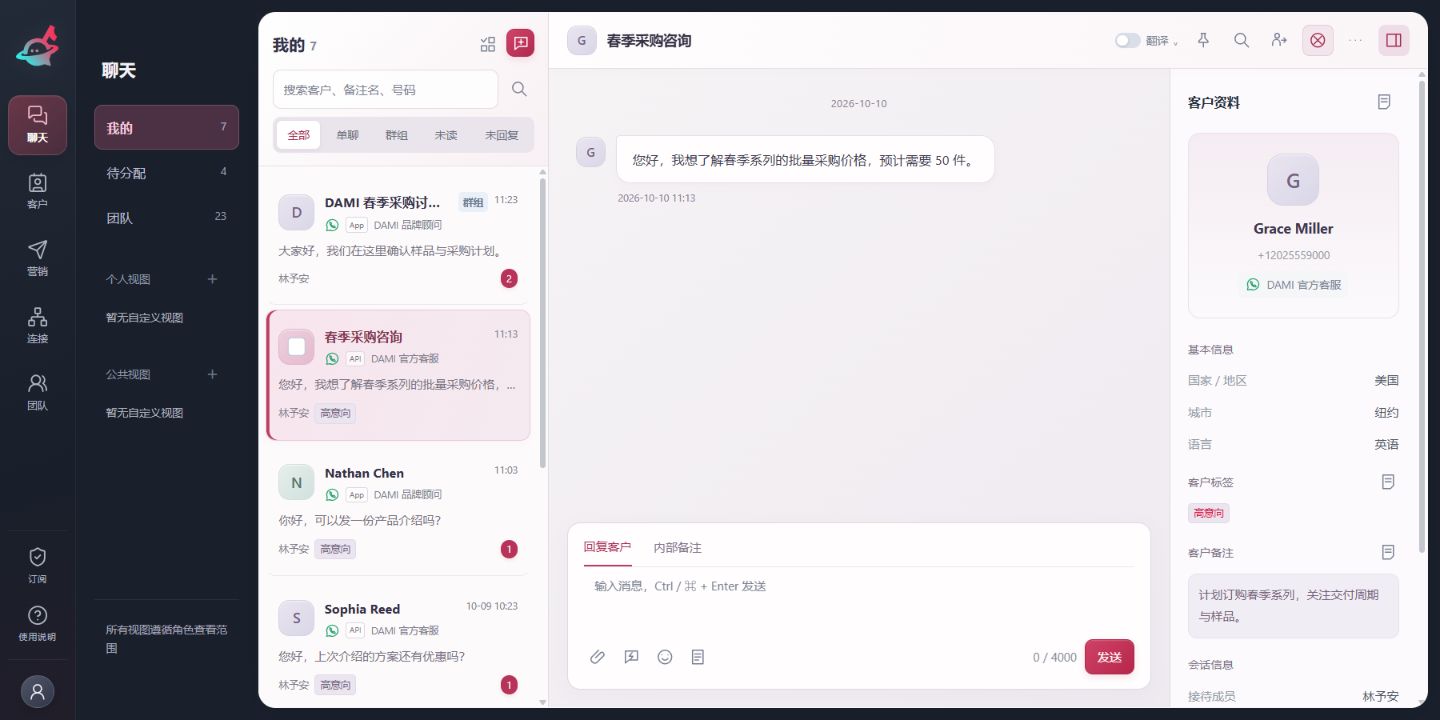
View messages from WhatsApp App and WhatsApp API together.
See, reply to and assign messages from connected channels in Talkkite. Keep new inquiries moving with less switching.
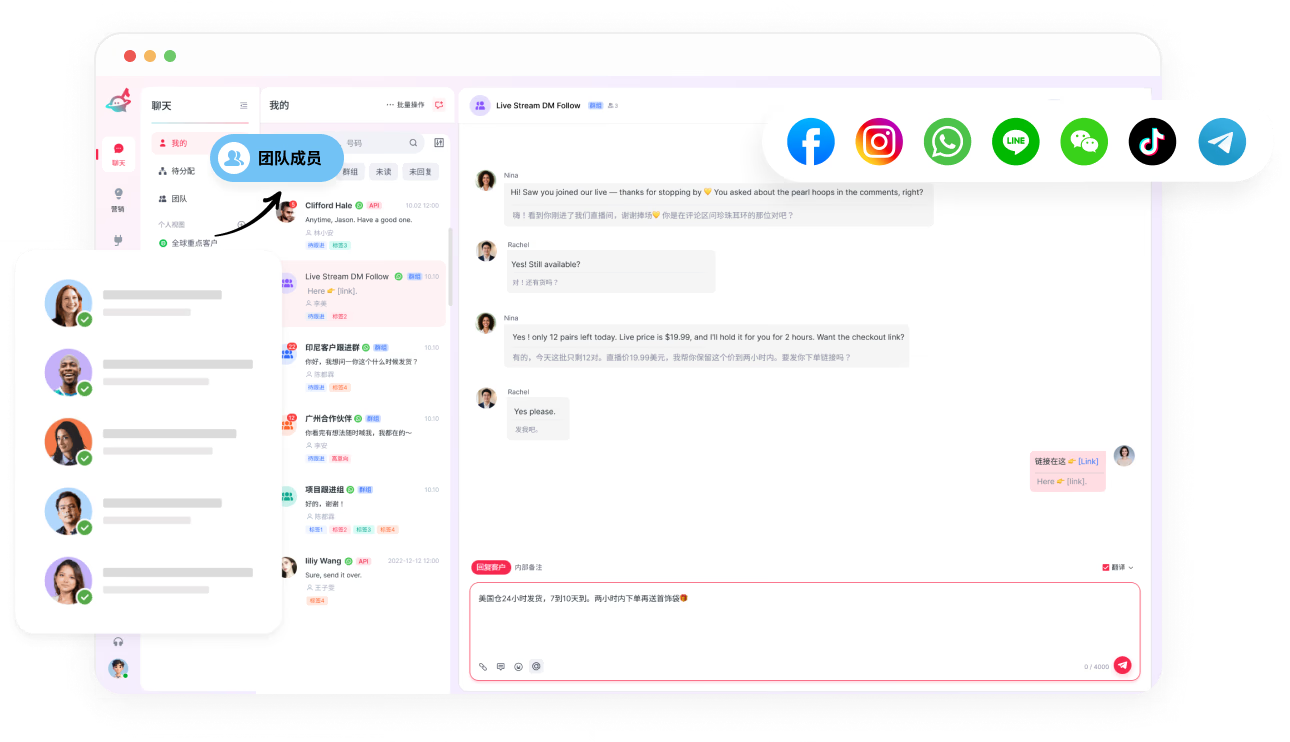
See channel source, connected account and owner together in one workspace.
View messages from WhatsApp App and WhatsApp API together.

New inquiries appear in one conversation list for follow-up.

Assign each conversation to a suitable teammate.
See conversations from connected WhatsApp App and WhatsApp API accounts in Talkkite, then reply with the account context in view.
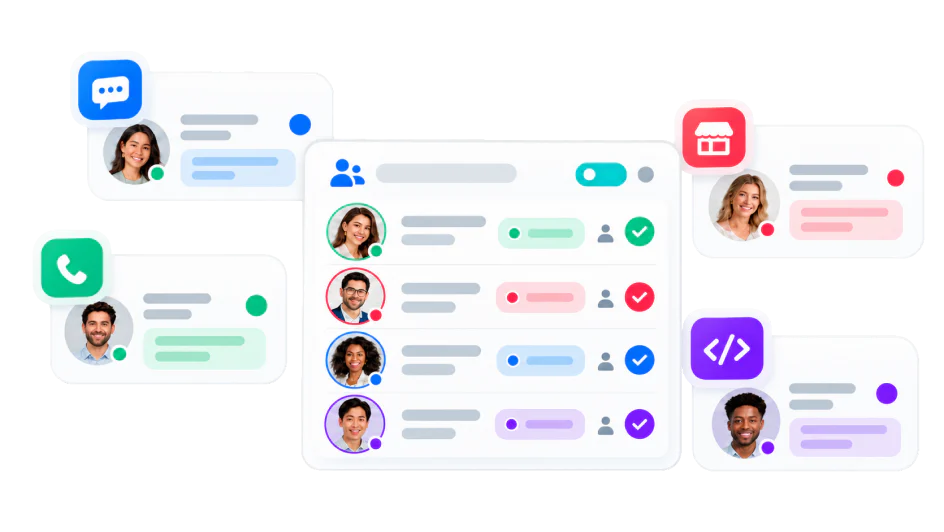
Assign conversations manually based on customer needs and team responsibilities. Keep the owner clear as the conversation continues.


Conversation history, customer tags and internal notes stay in the workspace so the next teammate can pick up where the team left off.
The current product focuses on WhatsApp App and WhatsApp API accounts. More social channels are planned; availability depends on the live service.
Answers about connected channels in Talkkite.

The current product focuses on WhatsApp App and WhatsApp API. Other social channels are planned; actual availability depends on the live service.
Messages from connected business accounts appear in the Talkkite workspace, where the team can view and handle them by source.
Team members can manually assign or transfer a conversation in the workspace.
See how Talkkite fits your customer workflow.
