Manage official accounts together
See connected business numbers, account status and authorized team members together.
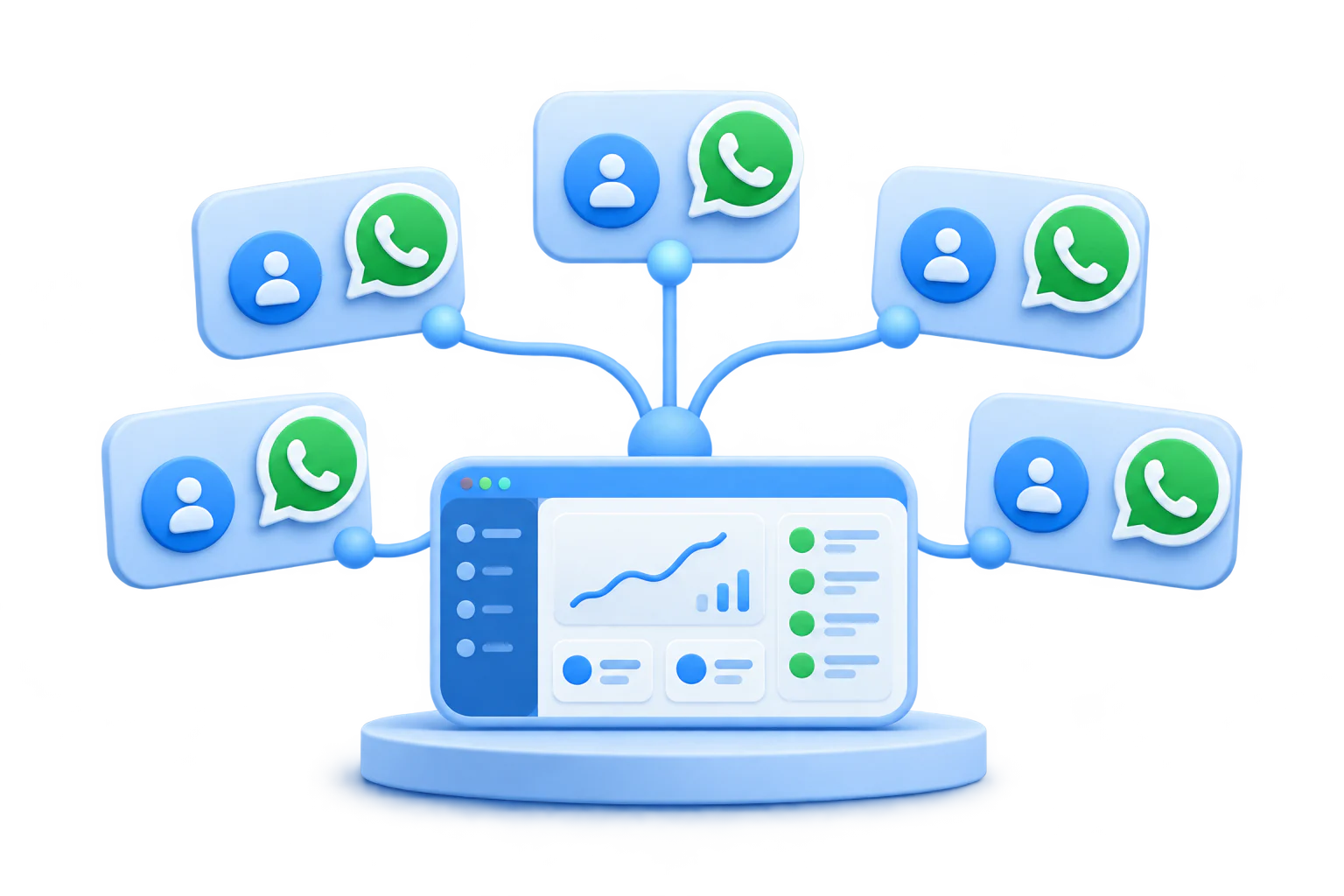
Connect your authorized WhatsApp API accounts to Talkkite. Bring conversations, customer context, team collaboration and follow-ups together in one workspace.

 Customer conversations
 Team collaboration
 Customer context
 Planned follow-ups

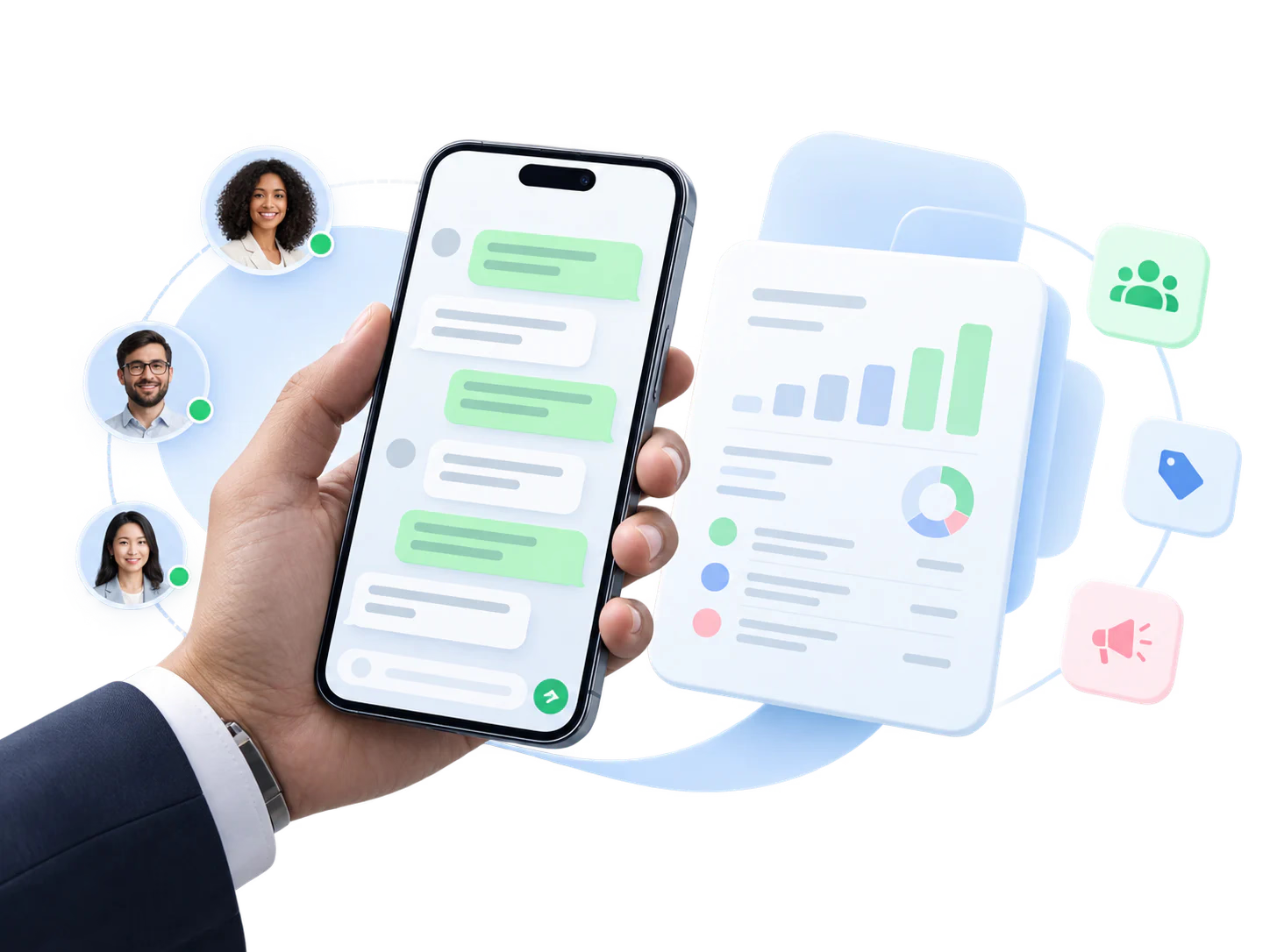
See conversations from connected API accounts in Talkkite, find the inquiries that need attention and reply with customer context in view.
Assign conversations and hand them over between teammates. Role, data scope and account authorization are managed separately.
Keep customer profiles, tags, notes and conversation history together, so the next teammate can continue with context.
Use customer tags and groups to plan compliant message outreach. Template availability and sending conditions depend on the connected business account.
Connect the account, then carry the conversation forward in one workspace.
See connected business numbers, account status and authorized team members together.
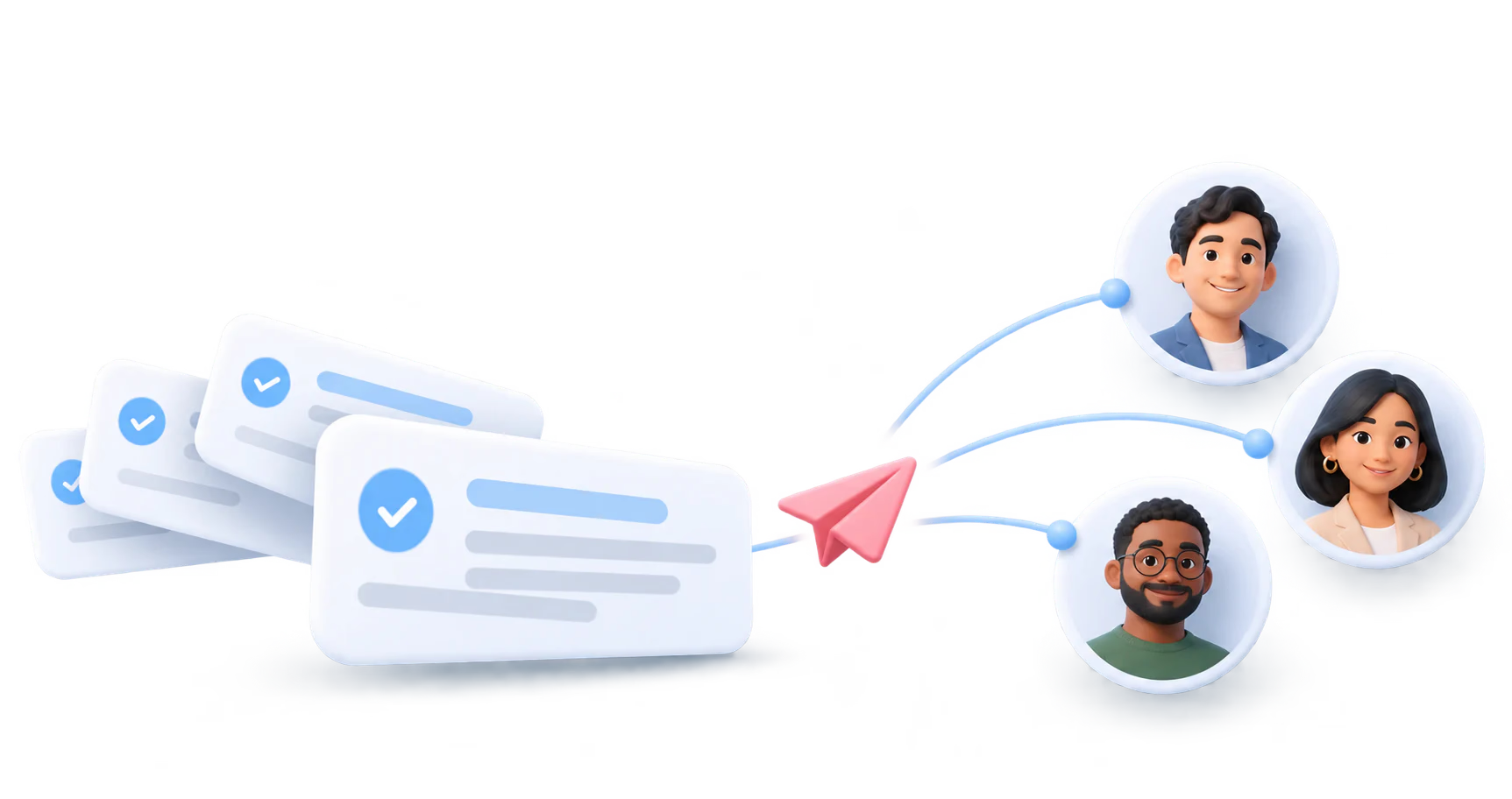
Bring inquiries into a shared inbox, then assign, reply and hand over with context.
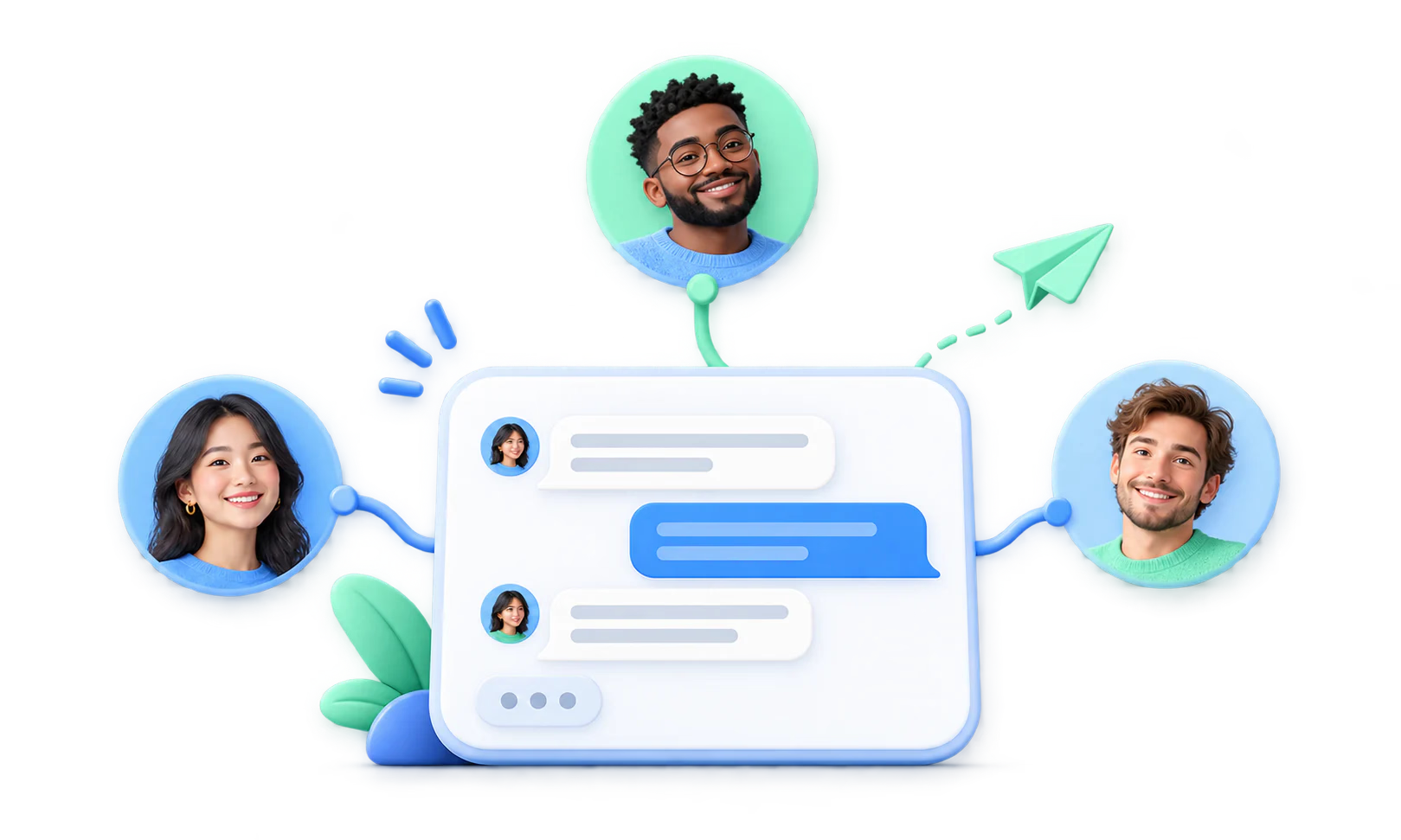
Keep customer details, tags and notes close to the conversation.
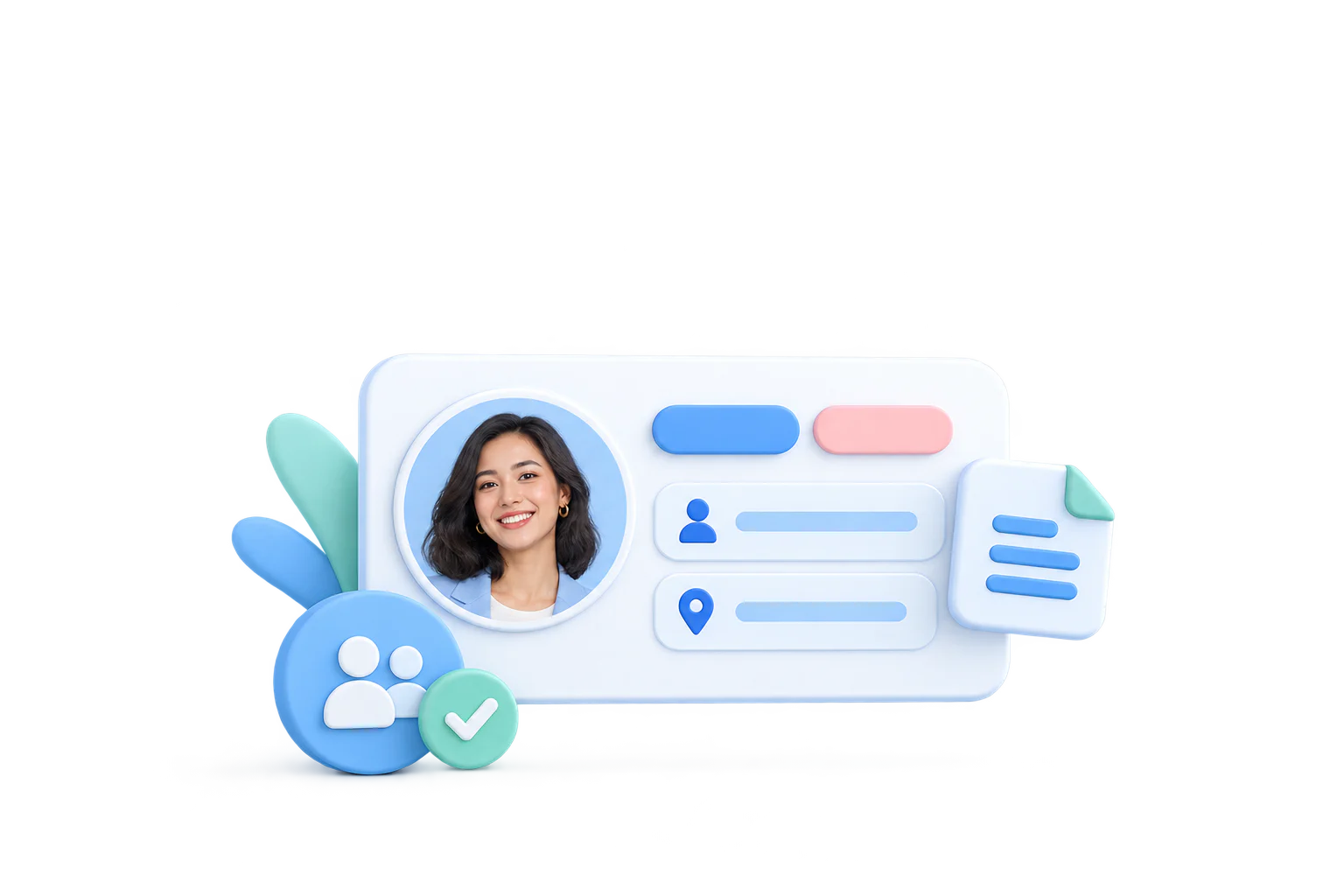
Give each teammate the appropriate role, data visibility and account access.
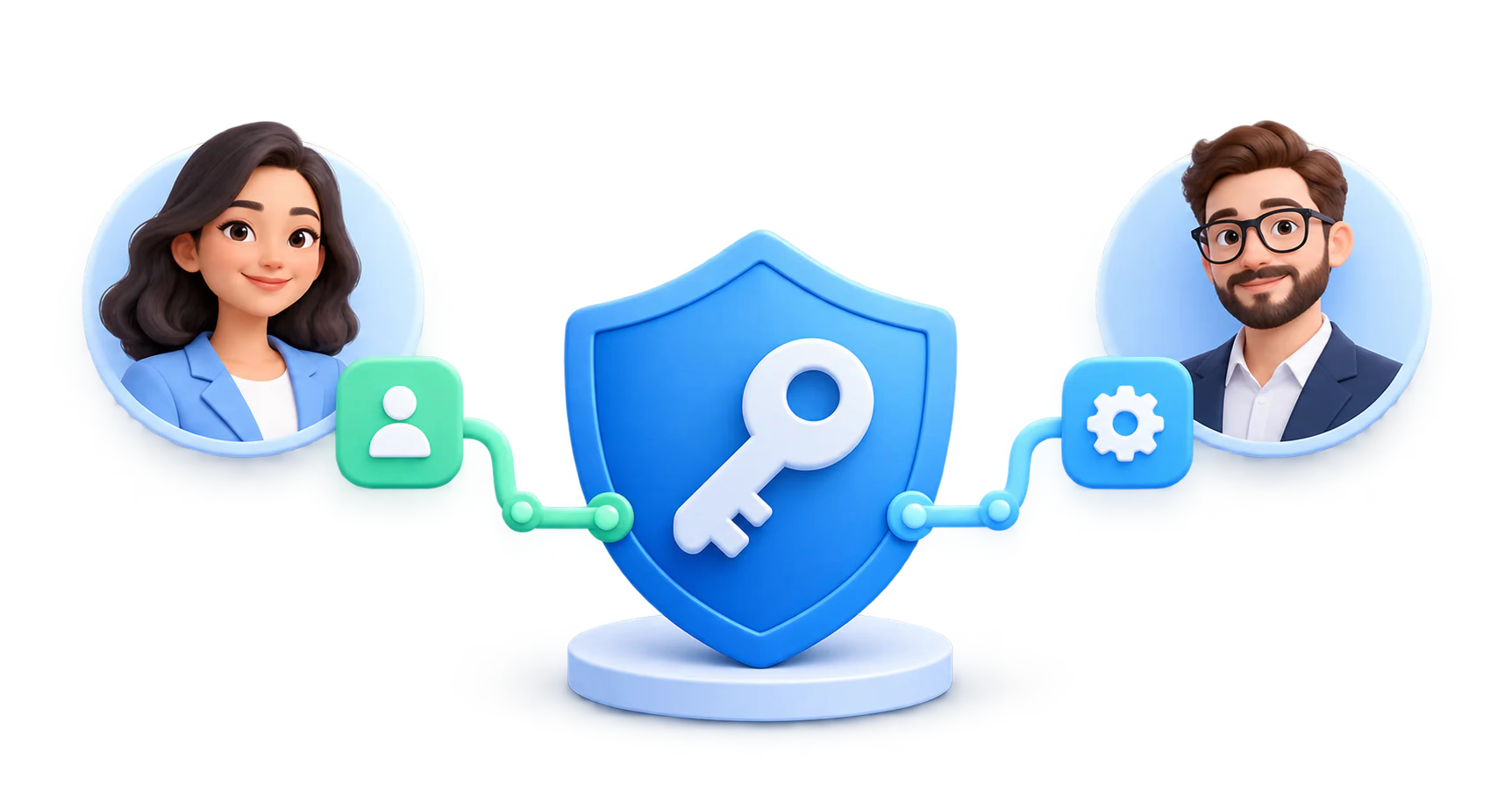
Select the right audience, preview the message and review the plan before sending.
Review source and translated text together, and check wording before replying.

Specific availability depends on the connected account, channel conditions and implementation scope.
Understand the channel format, then see how Talkkite helps your team work with an API account.
| Capability |  WhatsApp Business App | WhatsApp Business API |
|---|---|---|
| Primary use | Business messaging in the mobile app | Connect to a team workspace through an API |
| Team work | Linked-device collaboration, subject to app limits | Independent member access and conversation assignment in Talkkite |
| Customer context | Contacts and chats in the app | Profiles, tags, notes and conversation history in Talkkite |
| Messages | App features such as quick replies and broadcast lists | Business-initiated templates subject to account and channel approval |
| System connection | Works primarily inside the app | API connects business numbers to platforms such as Talkkite |
| Account view | Manage the business profile in the app | View connected account and authorization in Talkkite |
Actual capabilities and limits are subject to WhatsApp rules and the connected account's status.
Understand messaging costs and conversation rules, and keep in touch with customers in the right way.
Respond to inquiries and follow up on customer needs at a lighter cost. Messages average approximately RMB 0.30 each. Actual charges vary by the recipient’s country or region and message type, according to the applicable rate.
Start a new conversation or re-engage inactive customers with pre-approved message templates. Charges depend on the country and message type.
Encourage customers to reply, or send a response using a template’s quick reply button, to reopen the 24-hour conversation window. Each new customer message resets the timer, so your team can keep the conversation going.
The access plan is confirmed around your account and team requirements.
Tell us which business numbers, team members and customer workflows you need to support.
Check account eligibility, authorization, available capabilities and billing arrangements.

Bring the connected account into the workspace and organize how your team serves customers.


See incoming conversations in one place.

Keep notes and history with the conversation.

Use customer groups to plan relevant follow-ups.
Answers about connecting WhatsApp Business API to Talkkite.

WhatsApp API is within Talkkite's current product scope. Actual authorization, account eligibility and delivery details are confirmed during implementation.
Talkkite supports team collaboration with separate member roles, data visibility and account authorization. Access to an account does not automatically widen customer-data visibility.
The pricing model depends on message category, destination market and the agreed settlement path. Contact us for the applicable plan and current rates.
Number eligibility and any account migration or coexistence arrangement need to be checked against current WhatsApp rules and your account status during onboarding.
Talk to us about your accounts, team and customer workflow.