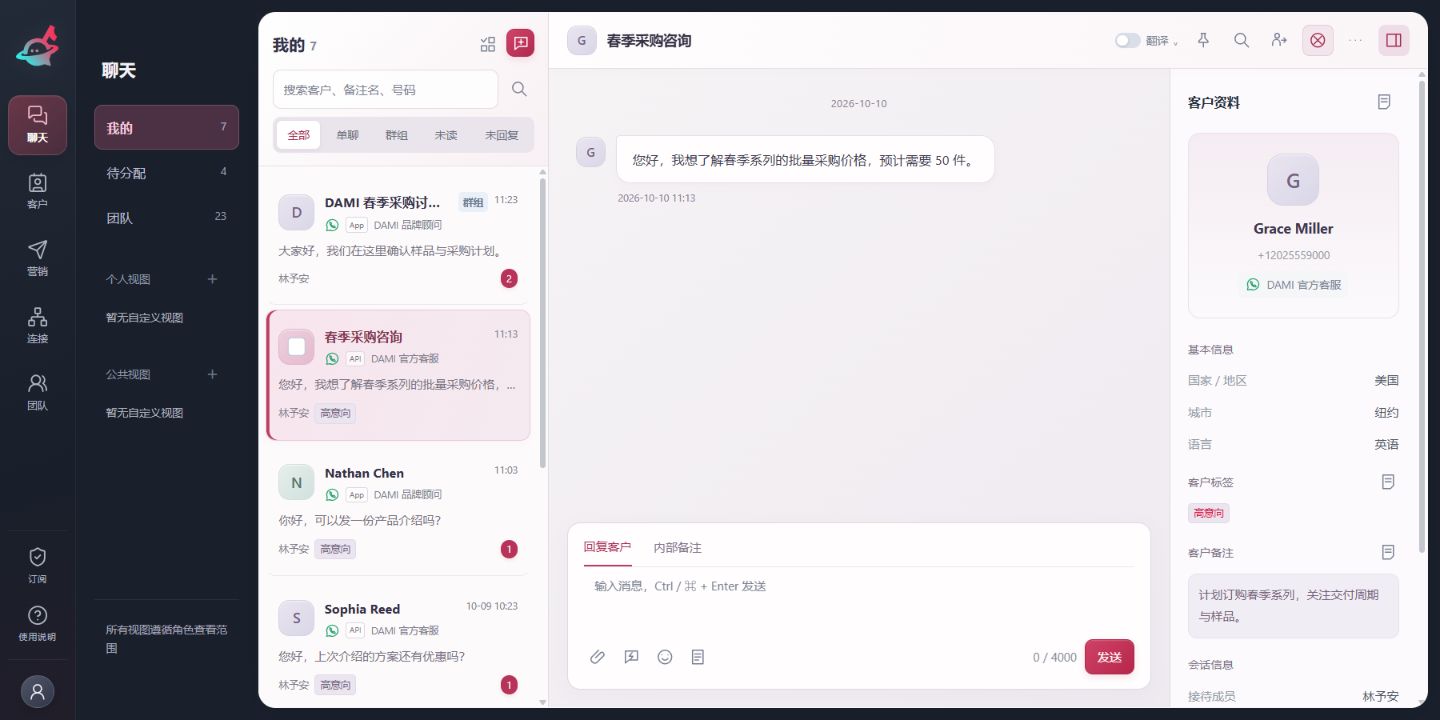

Language settings
Select the customer and team languages.
Set conversation languages, preview translations and keep the original for review. Live capability depends on integration.

Keep language settings, original text and preview close to the conversation.
Select the customer and team languages.

Review phrasing before sending.

Check the original message when needed.
Review a translation beside the original message to understand important details.
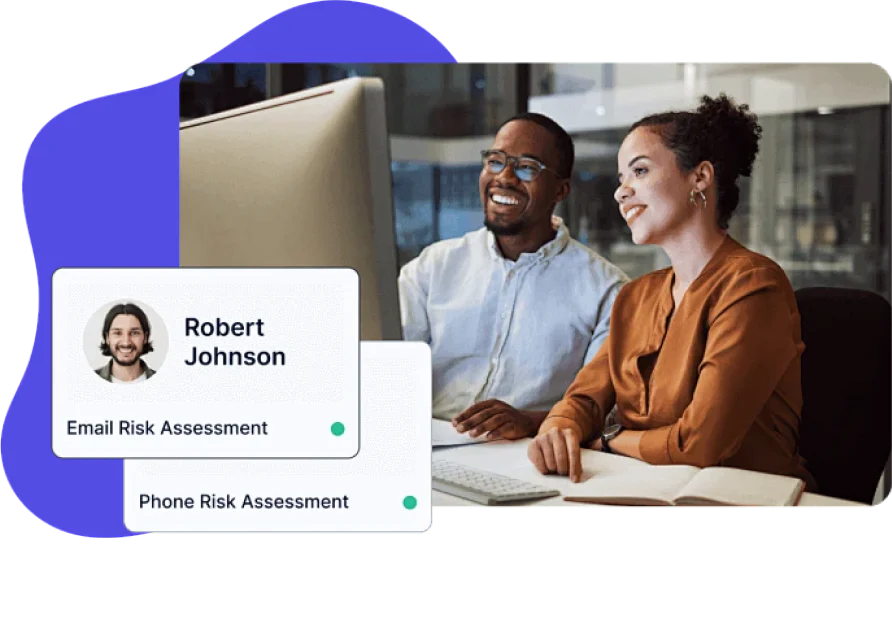
Draft a response and check its translation before deciding to send.

Keep originals, translations and conversation history together for the next teammate.
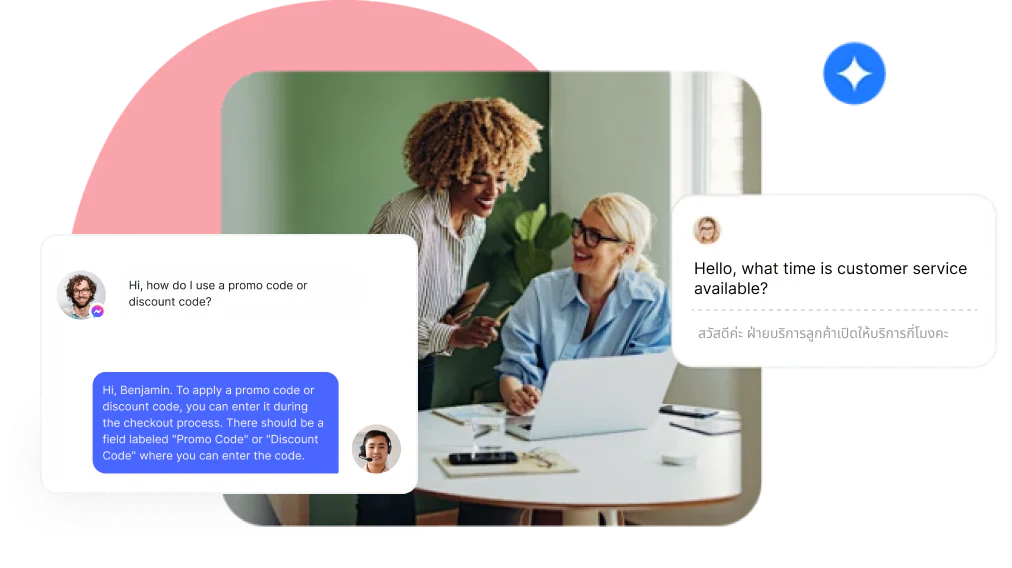
Answers about conversation translation in Talkkite.

Set the other party’s and your team’s languages to suit the conversation. Available languages and translation services depend on the final integration.
The page highlights preview and human review before sending.
The original remains available in the conversation for review.
See how Talkkite fits your customer workflow.
