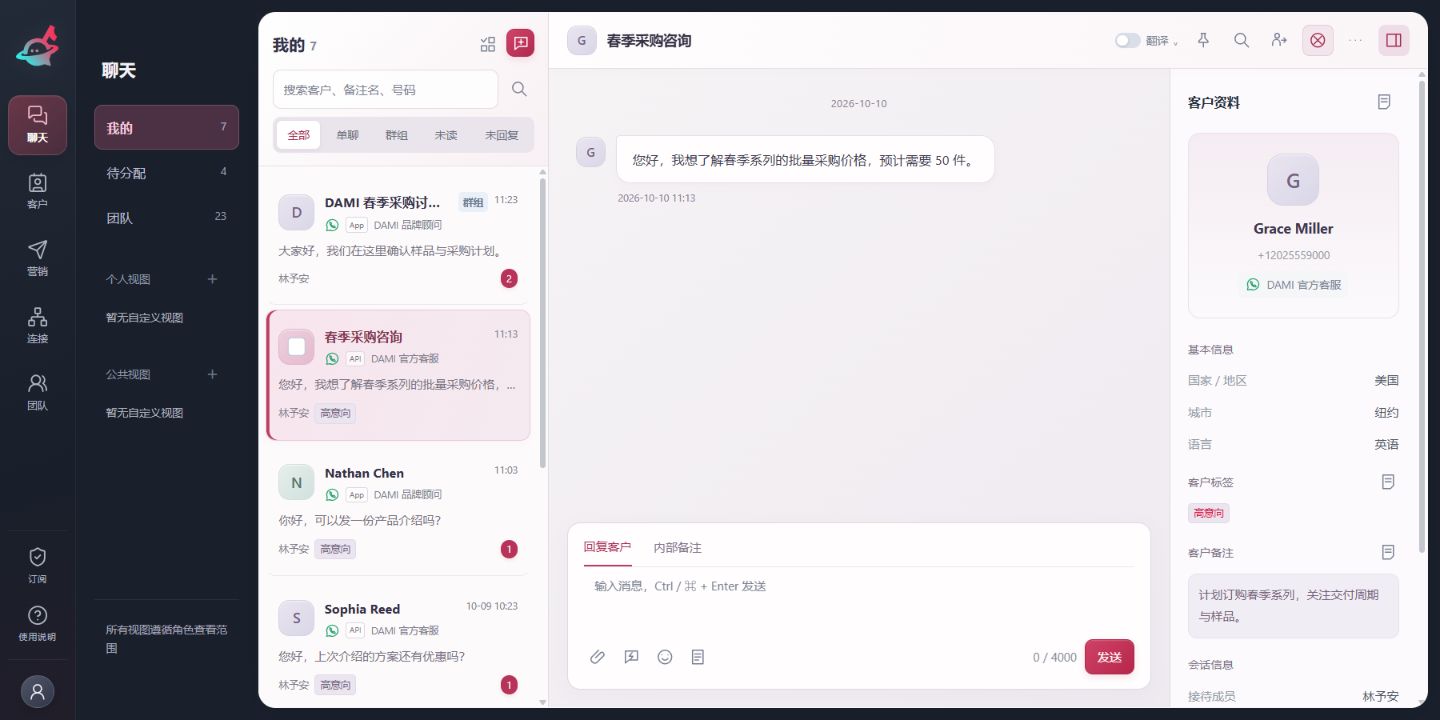

See what needs attention
Use Mine, Unassigned and Team views to organize work.
Keep assigned, unassigned and team conversations in view. Find unread or unanswered messages and reply with context.
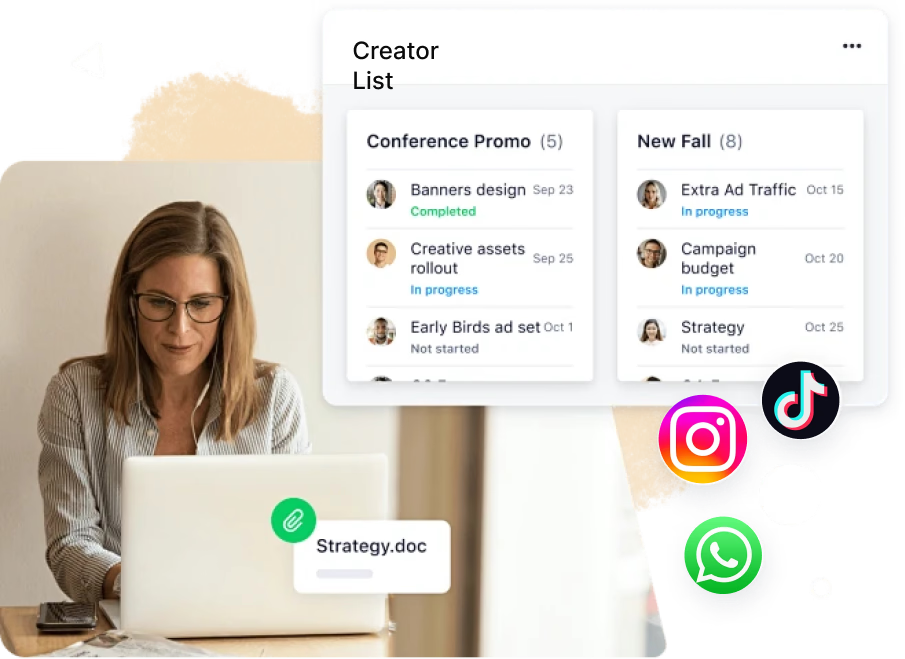
Views and filters help the team find unassigned, unread and unanswered inquiries.
Use Mine, Unassigned and Team views to organize work.

Keep profiles, tags and history beside the conversation.

Customer replies and internal notes remain separate.
See customer information next to the conversation: source, tags and notes help shape a more relevant reply.
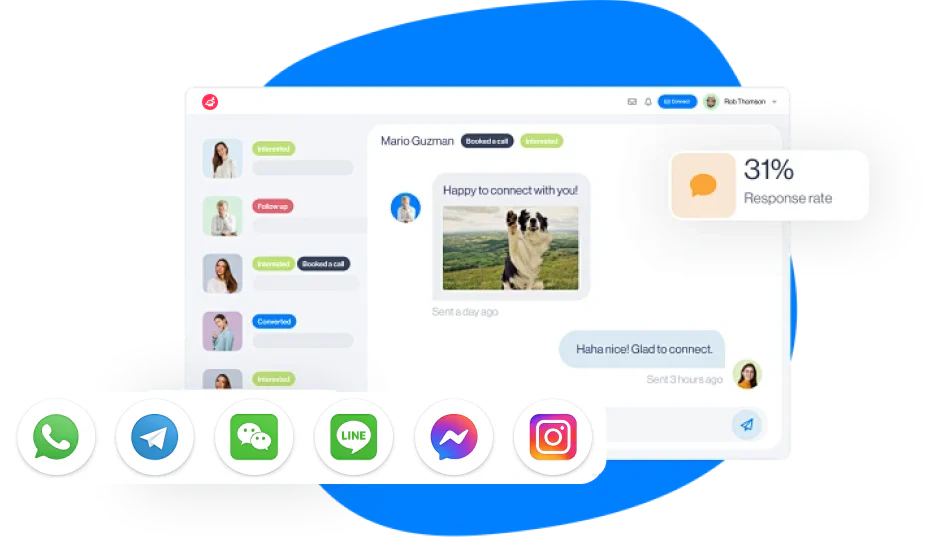
Use an existing script to reduce repetitive writing, then review the message before sending it.

Leave an internal note for teammates or switch to customer reply when it is time to respond.
Answers about the Talkkite unified inbox.

Switch between Mine, Unassigned and Team views and filter by unread or unanswered state.
The workspace shows customer information, tags and notes beside the conversation.
Internal notes are for team collaboration and are separate from messages sent to customers.
See how Talkkite fits your customer workflow.
